Getting Started with ZoneFeeds
This guide helps new users get started with the ZoneFeeds platform, from account creation to performing searches and understanding API results.
Visit Zonefeeds at: https://zonefeeds.com/
Step 1: Account Registration
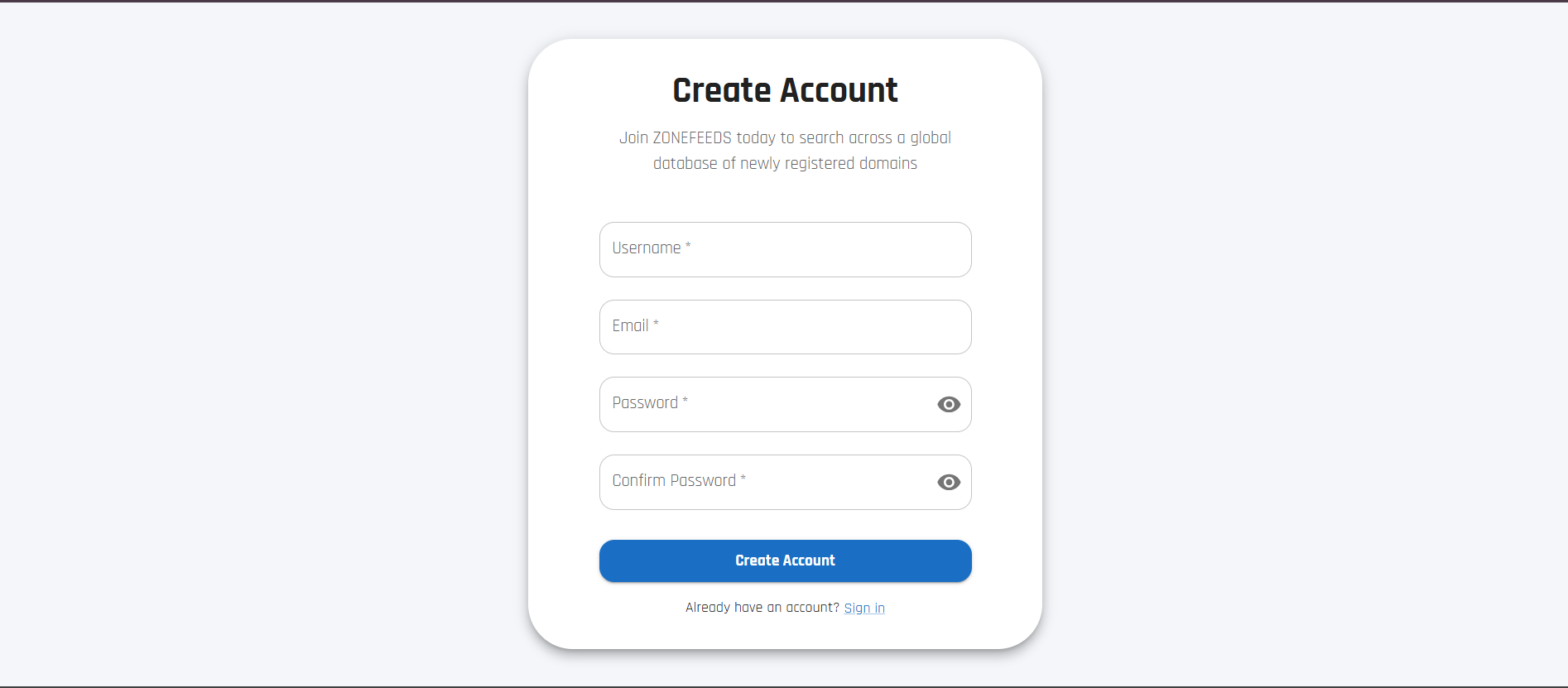
To begin using ZoneFeeds, create a new account via the registration page:
Registration Requirements
The user must provide:
- A unique and available username of their choice
- A valid email address
- A password that:
- Is at least 8 characters long
- Contains at least one uppercase letter
- Contains at least one lowercase letter
- Contains at least one number
- Password confirmation matching the original password
After entering the required information, click Create Account.
Step 2: Account Approval and Notifications
After successful registration submission:
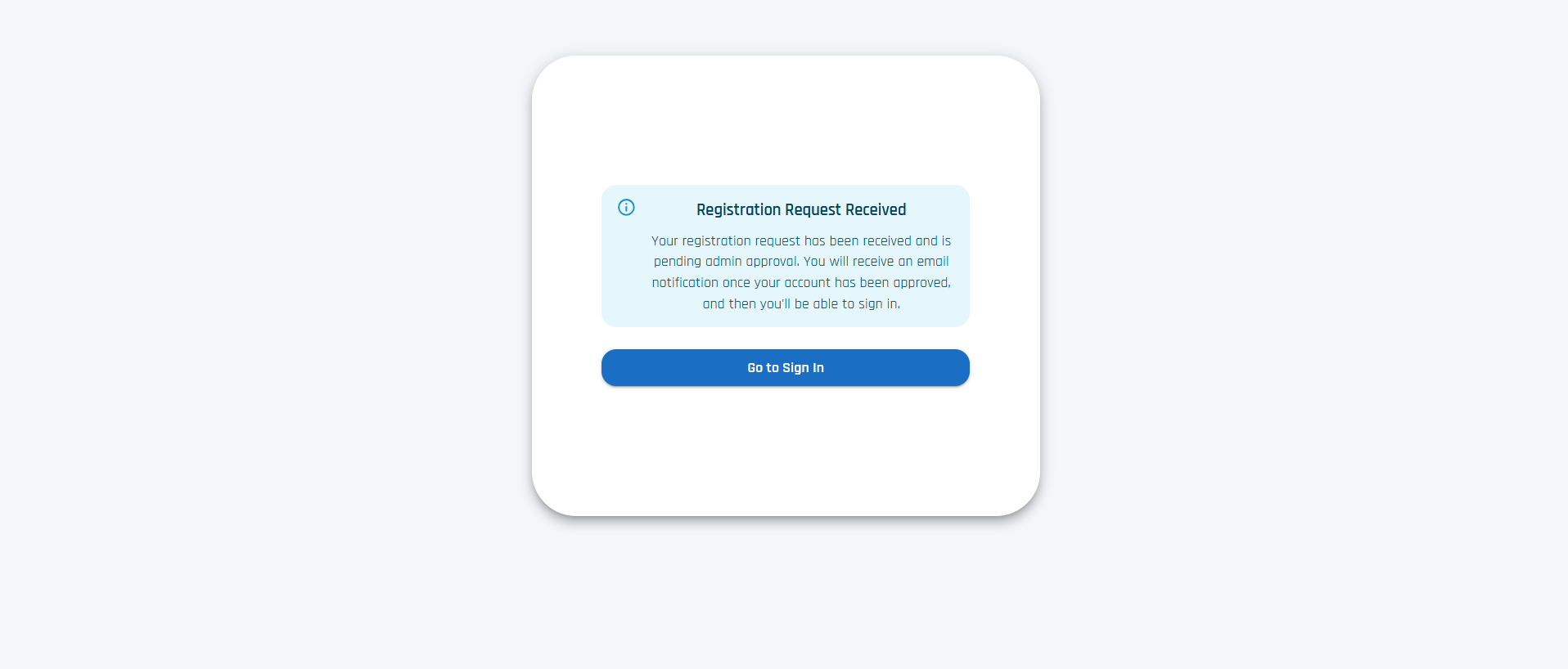
- A message is displayed on screen indicating that the account will be created once approved by an administrator
- The user will receive:
- An email confirming registration submission
- A separate email containing the API key after approval
Step 3: Sign In
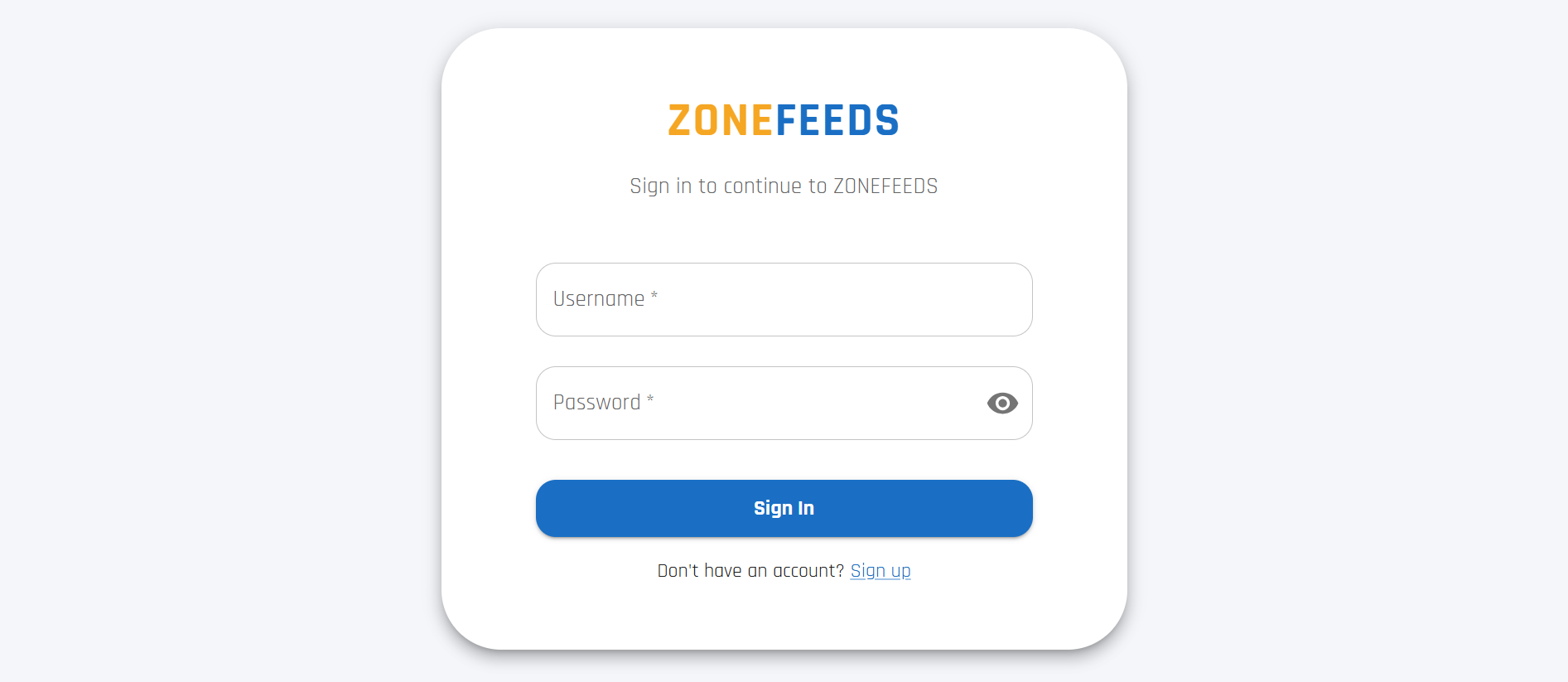
Once the account is approved, the user can sign in using the same username and password used during registration.
Step 4: Performing a Domain Search
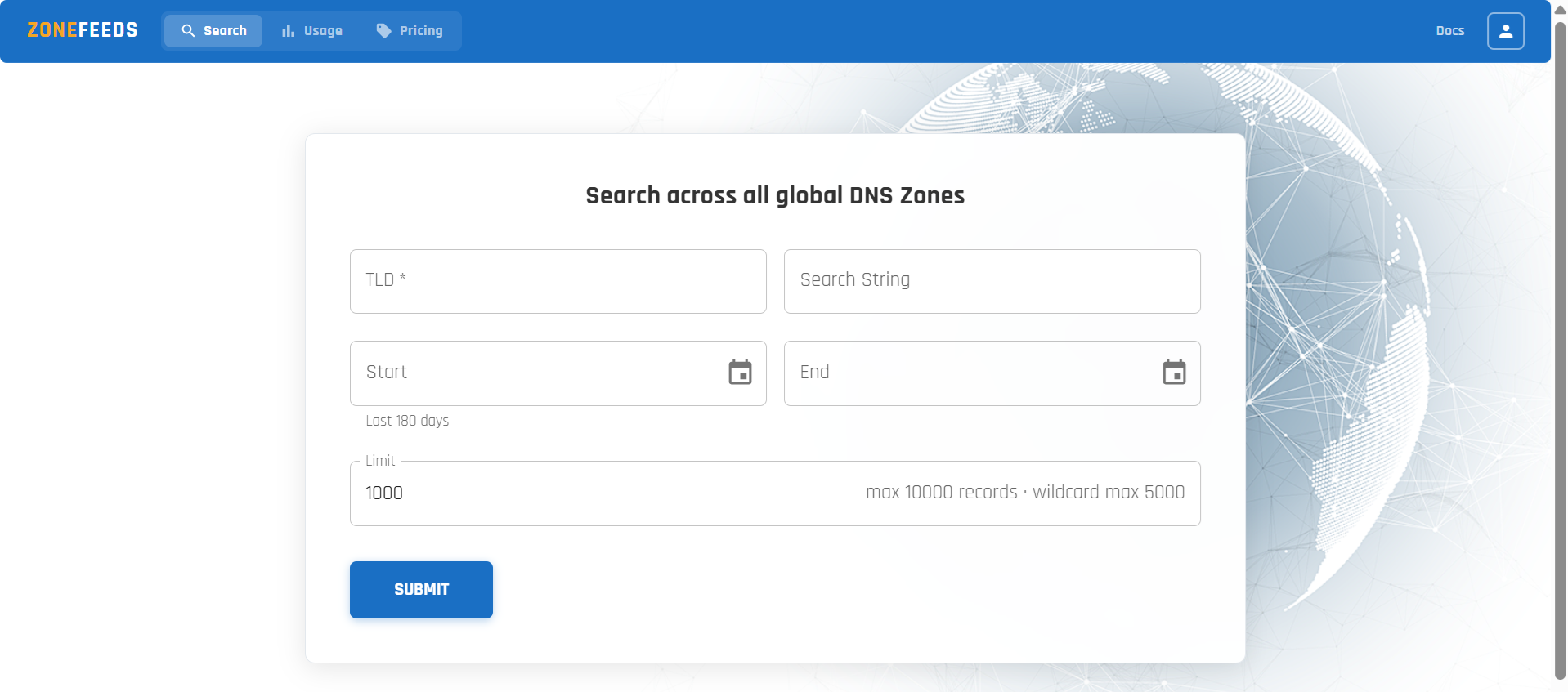
After signing in, users can begin querying domain data.
Search Options
Users can:
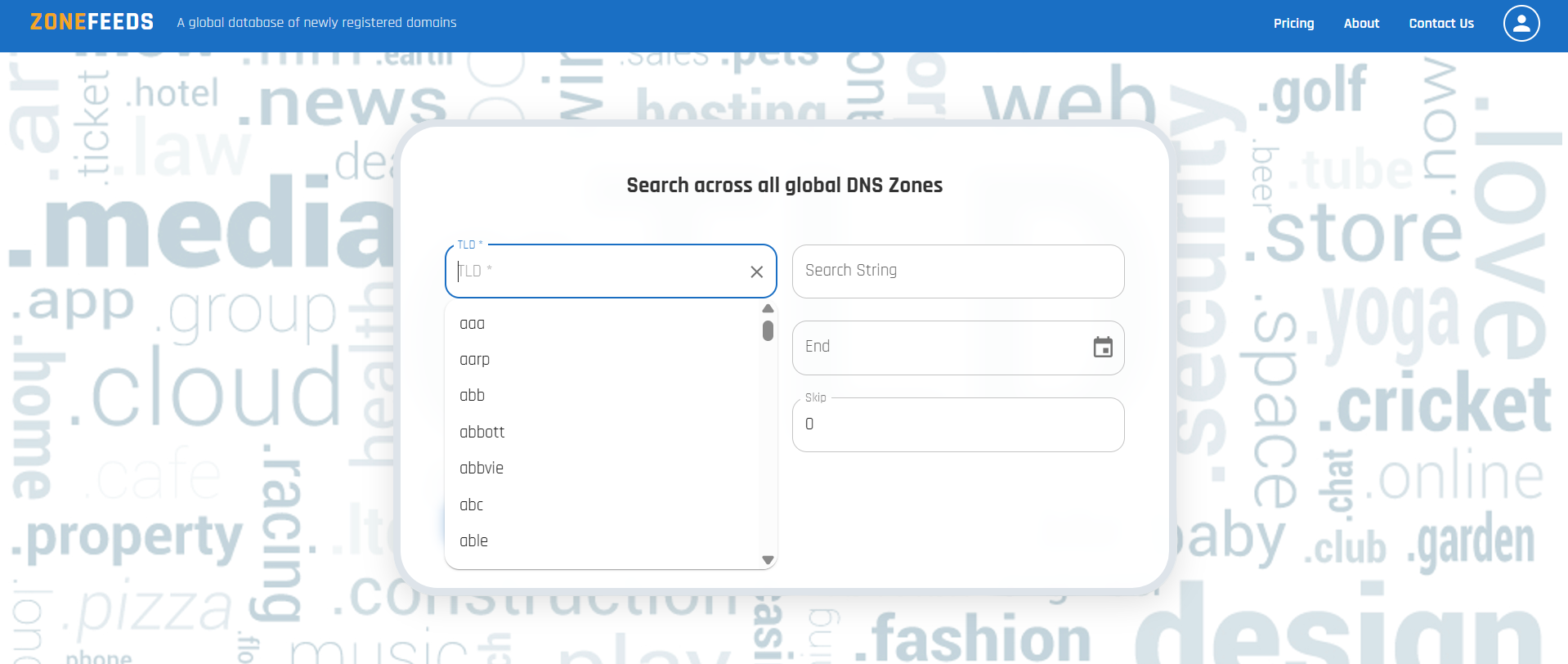
- Select a TLD from the available list or manually type one
- Enter domain names or keywords in the search field
- Specify the number of records to return
Step 5: Date Range Filtering
Users may optionally apply a date filter to narrow results.
Date Constraints
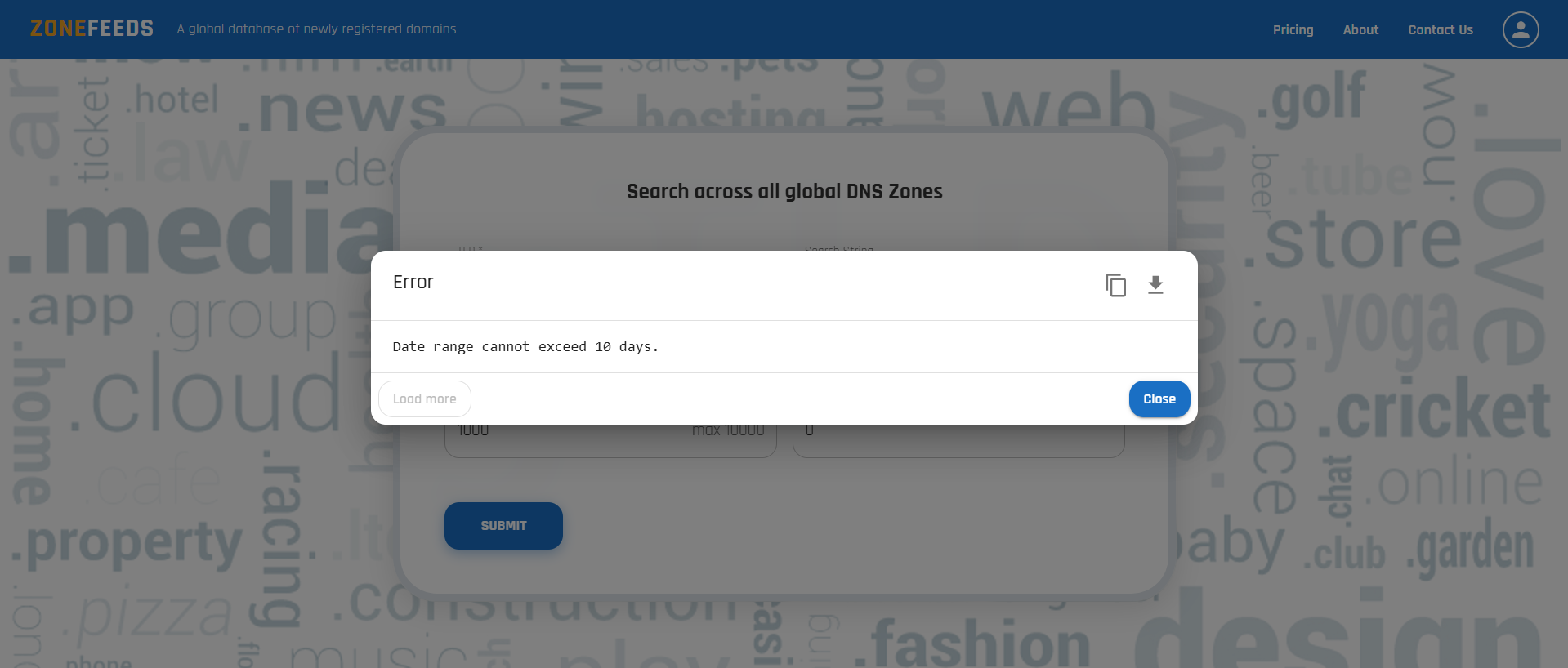
- The maximum allowed date range is 10 days
- If the selected range exceeds 10 days, an out of range error is displayed
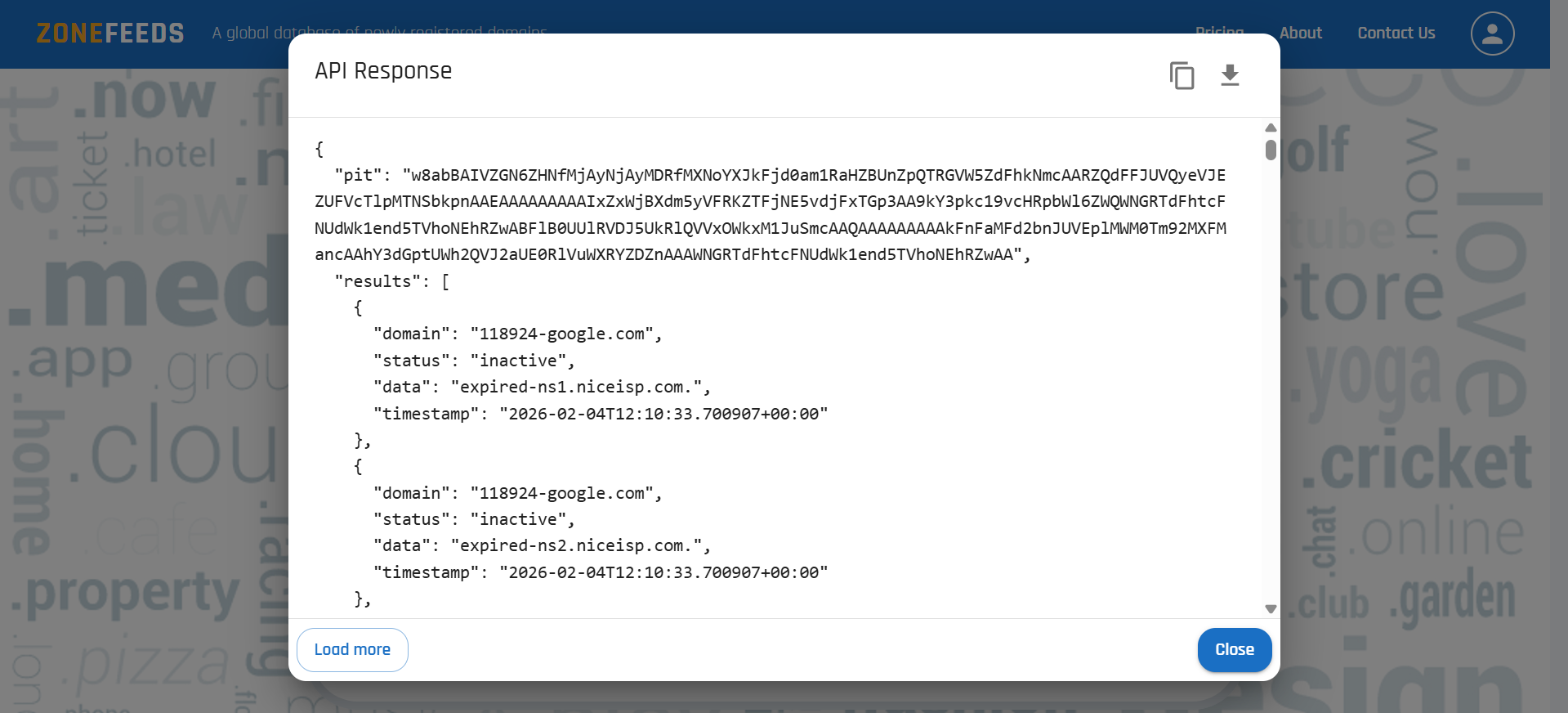
Step 6: Wildcard Searches
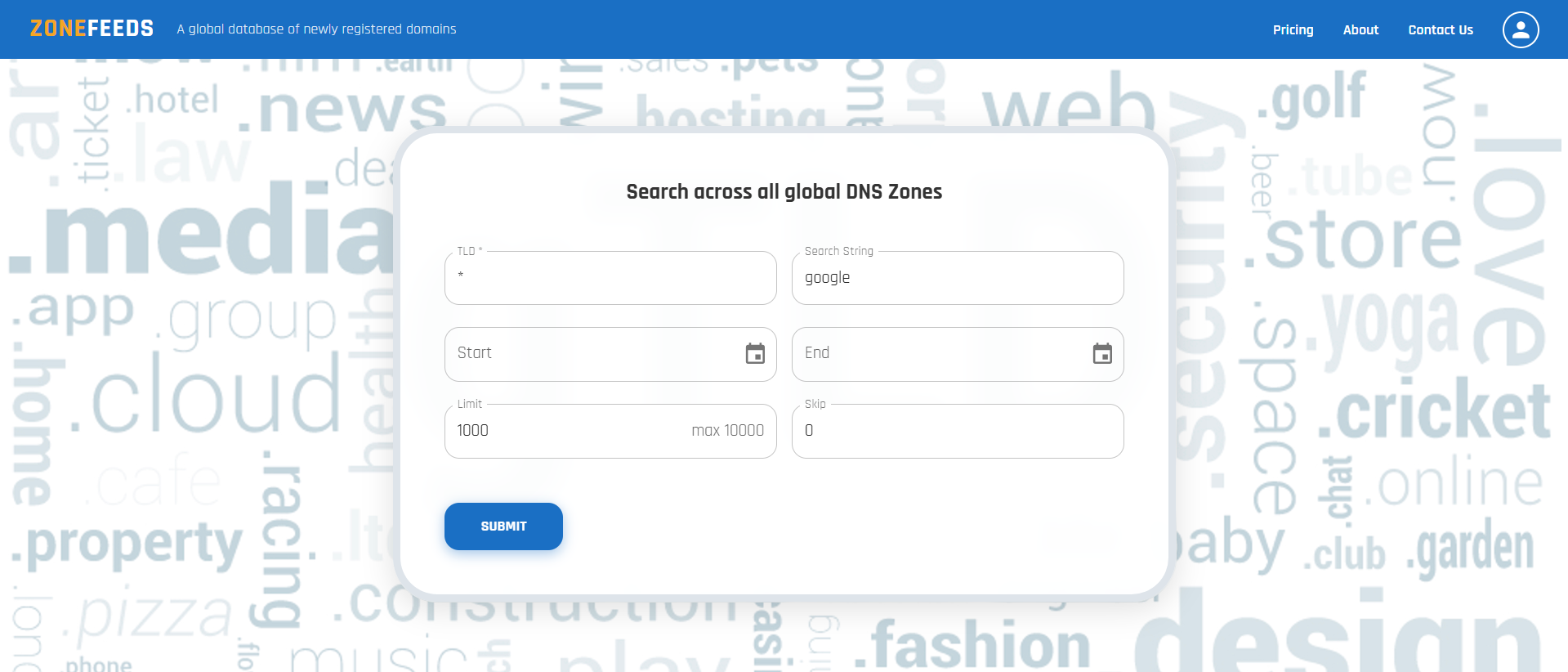
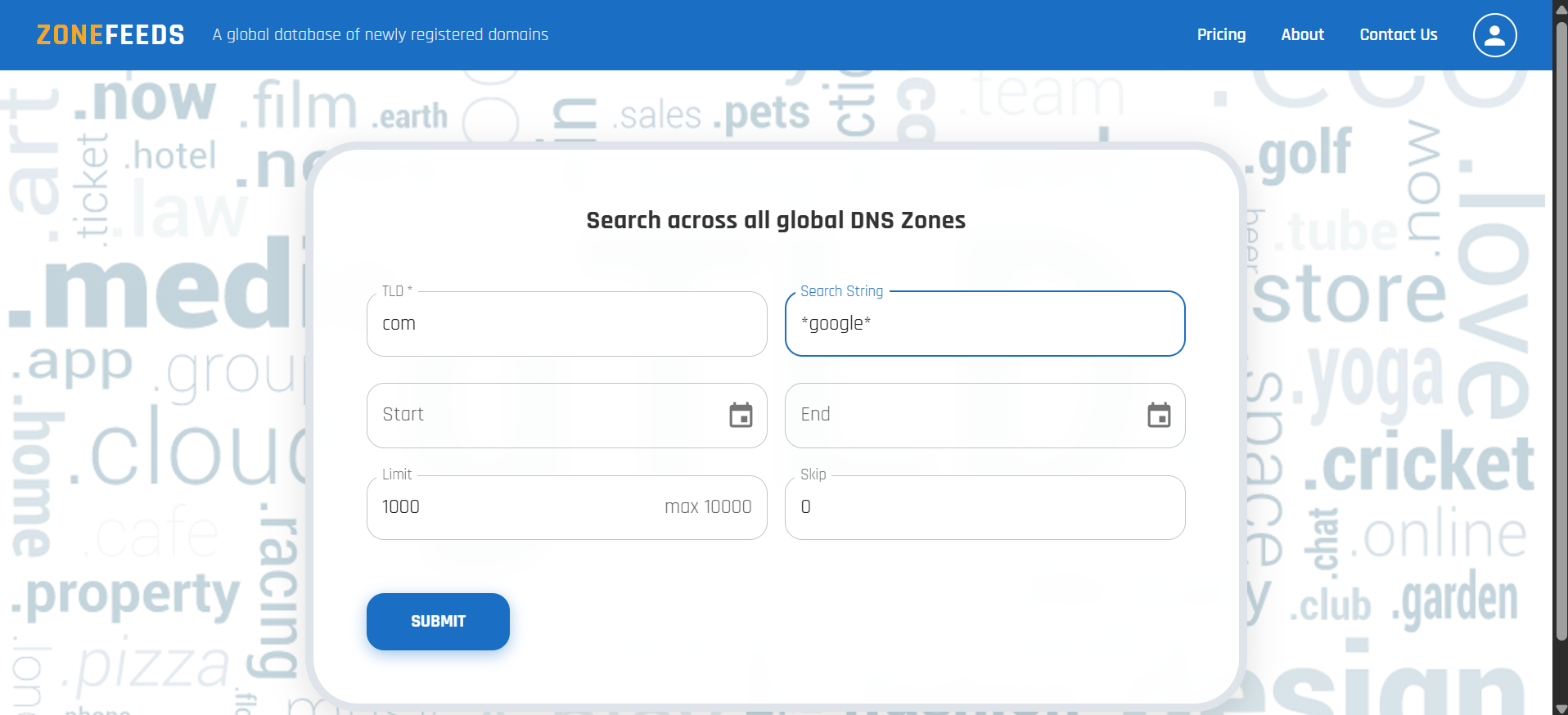
ZoneFeeds supports wildcard searches using the * character.
Wildcards can be used in:
- The TLD field
- The domain search field
- Both fields simultaneously
Examples
*as a TLD searches across all supported TLDs*google*matches all domains containing the term*in both fields returns all available records
Step 7: Searching Internationalized Domains (IDNs)
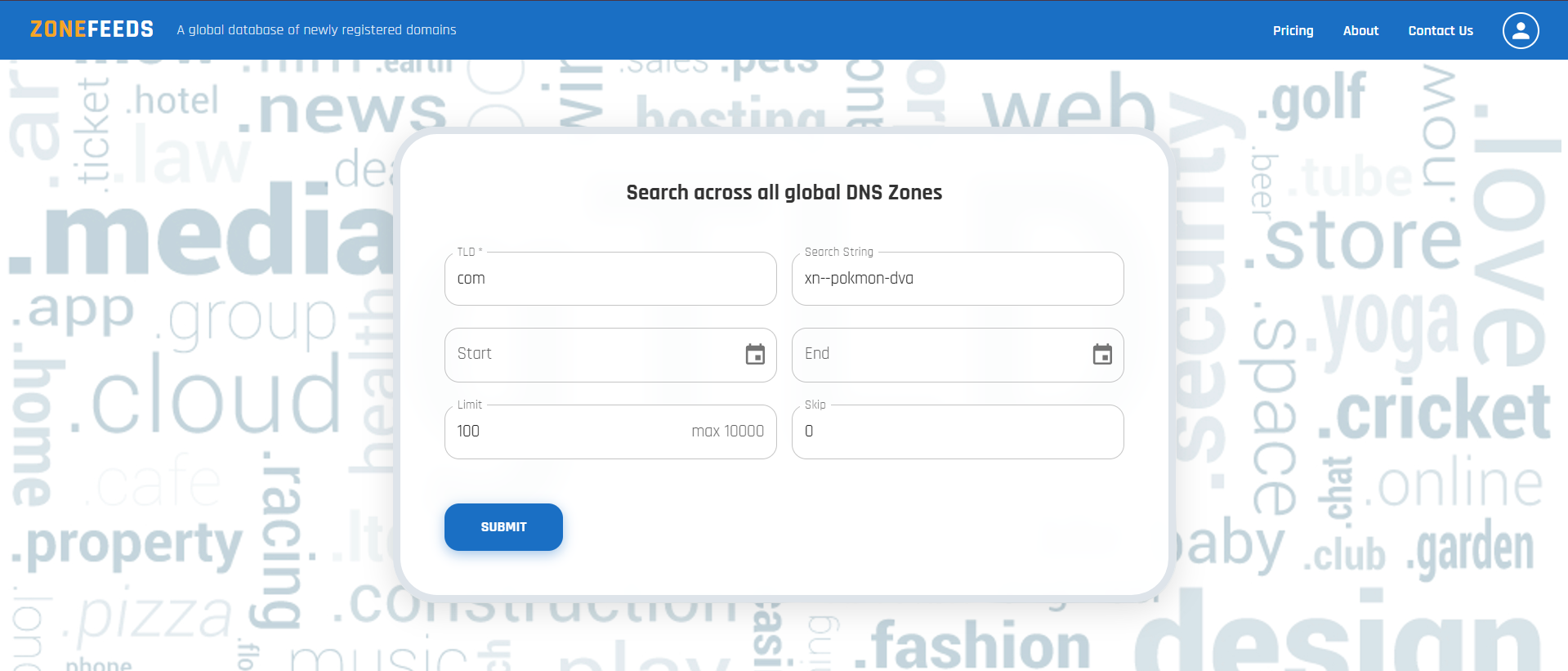
Internationalized domains and TLDs must be queried using their Punycode representation.
How to Search IDNs
- Convert the Unicode domain or TLD into Punycode using any trusted IDN converter
- Enter the resulting Punycode value into the TLD or domain field
- Submit the search
ZoneFeeds automatically decodes and analyzes the Unicode representation internally.
Step 8: Understanding the API Response
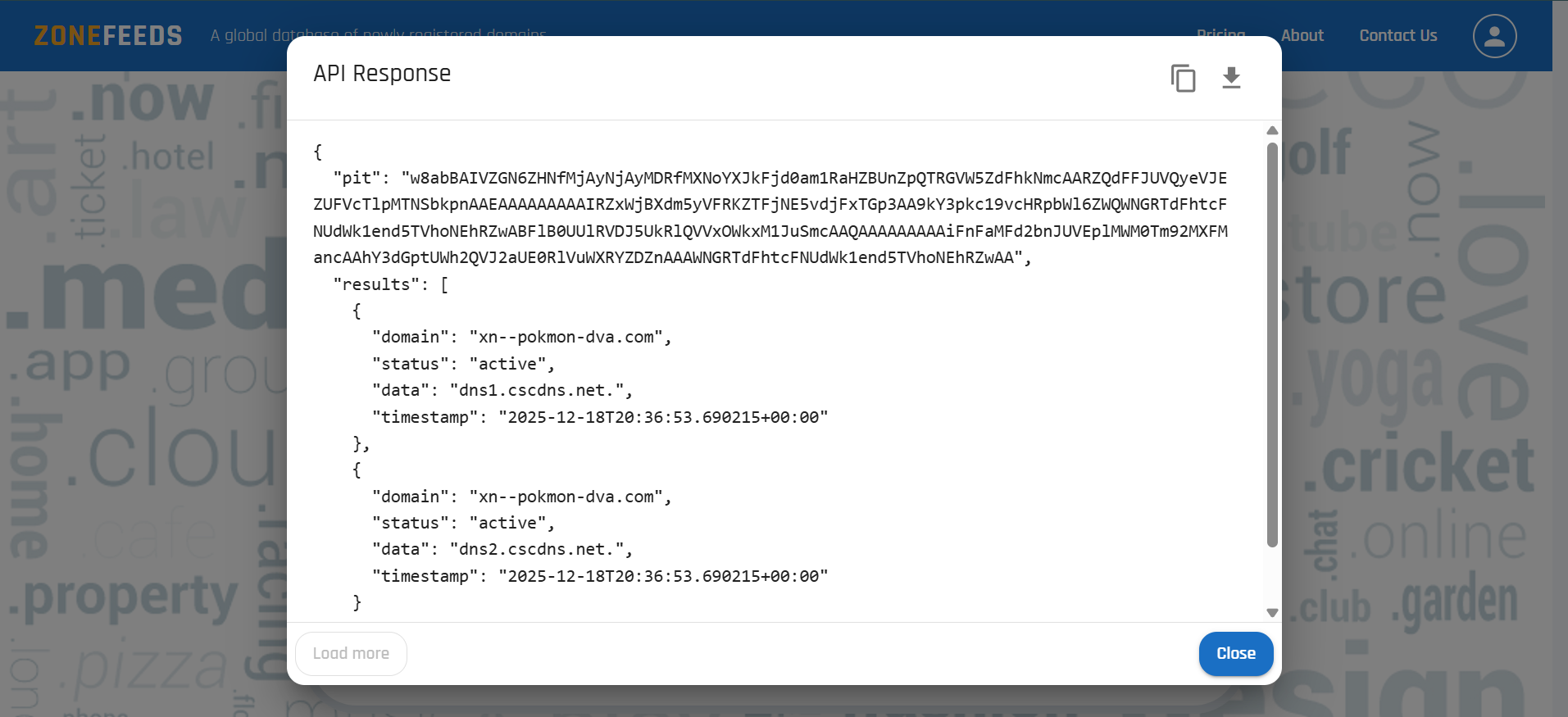
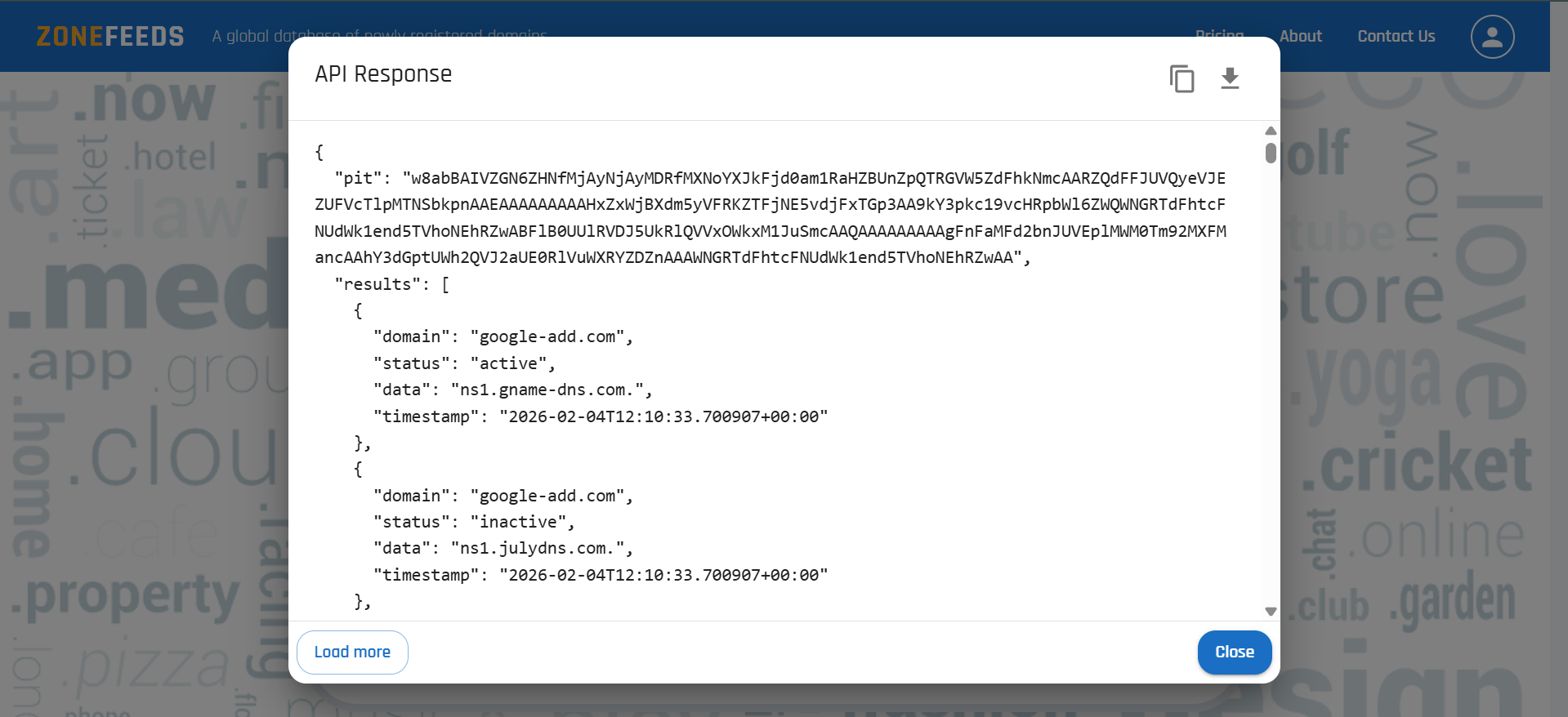
Search results are displayed in structured JSON format and can be:
- Viewed directly in the UI
- Copied
- Downloaded using the download icon in the top right corner
⚠️ Important: UI vs API Download Behavior
When using the UI, downloaded data is limited to the currently loaded results only.
If additional pages of data exist, users must manually load all paginated results by clicking load more before downloading to obtain the complete dataset.
In contrast, direct API access does not have this limitation.
- The API allows you to retrieve all matching records in a single request
- No need to manually load or scroll through pagination
- Recommended for large datasets, automation, and bulk analysis
💡 Best Practice:
Use the UI for exploration and quick inspection.
Use the API for complete data extraction and production workflows.
API Response Fields
| Field | Description |
|---|---|
domain |
Fully qualified domain name |
status |
Current state of the domain |
data |
Associated DNS record data |
timestamp |
Time the record was observed |
pit |
Point In Time identifier used for pagination |
next_cursor |
Cursor used to retrieve the next page of results |
Step 9: Viewing the RDAP Dossier
Click any domain in the Search Results table to open the RDAP Dossier — a side panel that fetches live registration data from the registry and shows:
- Lifecycle — registered date, expiration date, days remaining, and registration term
- Status — EPP status codes (e.g.
client transfer prohibited) - Registrar — registrar of record with IANA ID, abuse email, and abuse phone
- Nameservers — registry-reported nameservers
- Timestamps — last changed at the registry, and when ZoneFeeds last fetched the record
- Raw RDAP — the full RDAP JSON response, copyable for evidence preservation or SIEM ingestion
The RDAP Dossier is available on Basic and Enterprise plans.
For a complete field-by-field walkthrough, see the RDAP Dossier guide.
Step 10: Pagination Using PIT and Cursor
ZoneFeeds uses cursor based pagination for performance and consistency.
Pagination Fields
| Field | Description |
|---|---|
pit |
Elasticsearch Point In Time identifier |
after |
Base64 encoded cursor value for next page |
How Pagination Works
- The first request returns a
pit. - If more results exist, a
next_cursoris also returned. - To fetch the next page:
- Pass both
pitandafterin the next request - Include all original query parameters used in the initial request (e.g.,
start,end,search,limit). Failing to do so may result in incorrect or inconsistent page results. - The PIT remains valid for 2 minutes.
- If the PIT expires, a new initial request is required.
Summary
With ZoneFeeds, users can:
- Register and securely access the platform
- Search domain data across multiple TLDs
- Use wildcards for broad discovery
- Analyze internationalized domains using Punycode
- Filter results by date and record limits
- Open the RDAP Dossier to view live registrar, lifecycle, status, and abuse contact data
- Download structured results
- Paginate efficiently using PIT-based cursors