Searching Domains with ZoneFeeds
This guide explains how to search for domains using the ZoneFeeds platform. You will learn how to filter results, understand the API response, view live registration data via the RDAP Dossier, and handle pagination effectively.
Search Options
Users can:
- Select a TLD from the available list or manually type one
- Enter domain names or keywords in the search field
- Specify the number of records to return
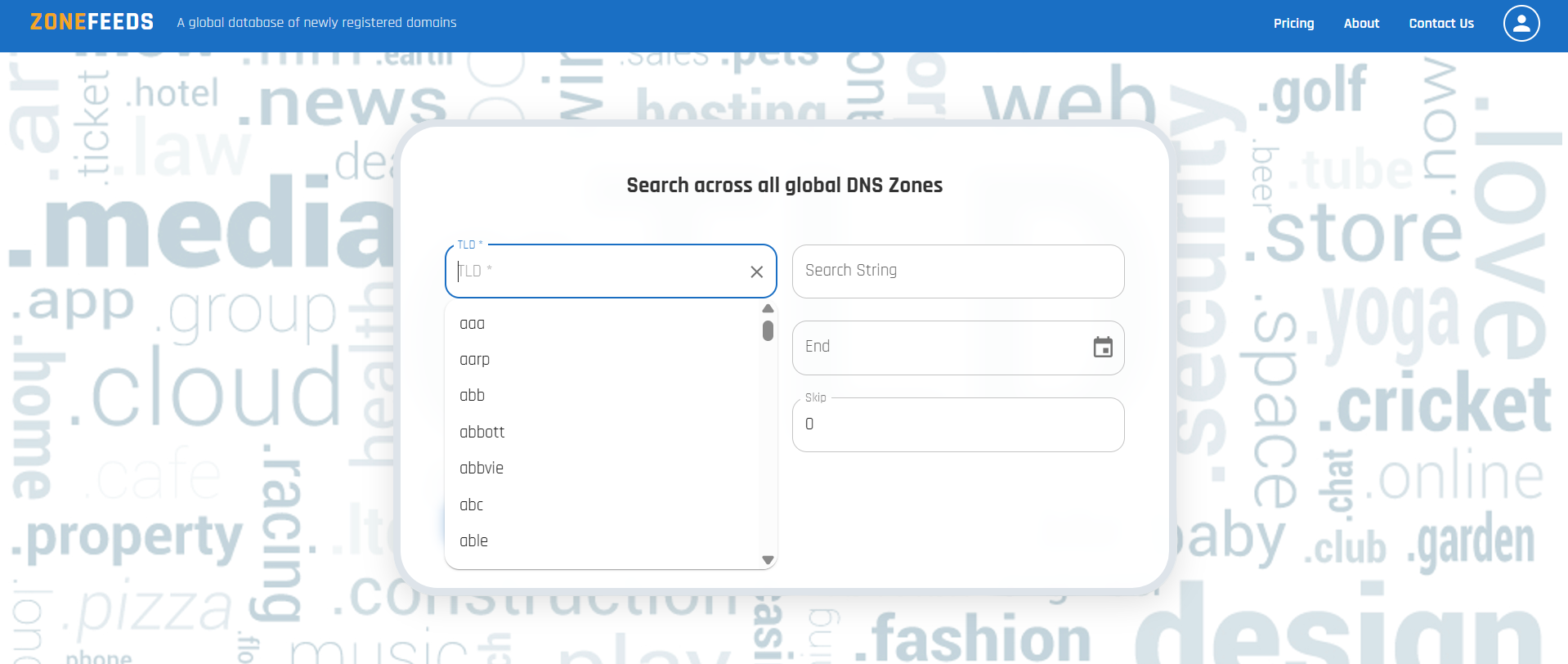
Date Range Filtering
Users may optionally apply a date filter to narrow results.
Date Constraints
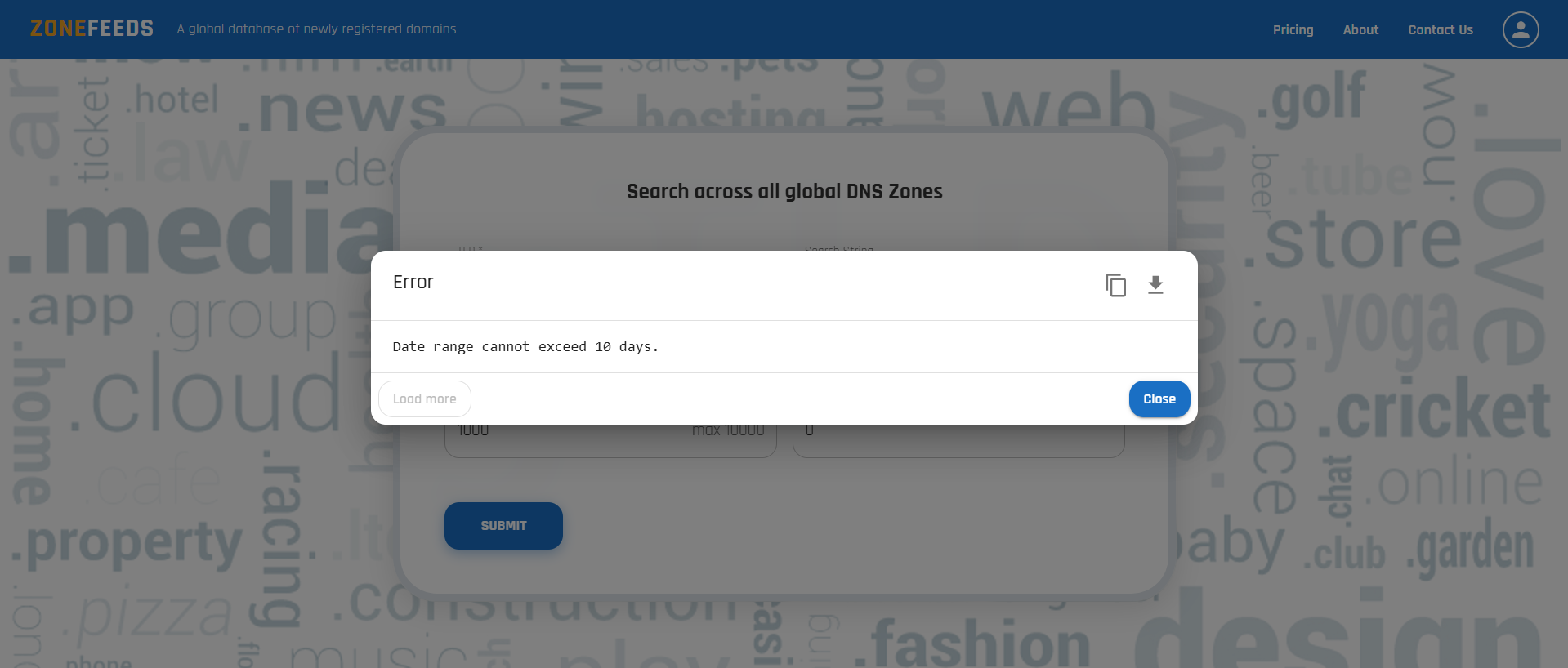
- The maximum allowed date range is 10 days
- If the selected range exceeds 10 days, an out of range error is displayed
Understanding the API Response
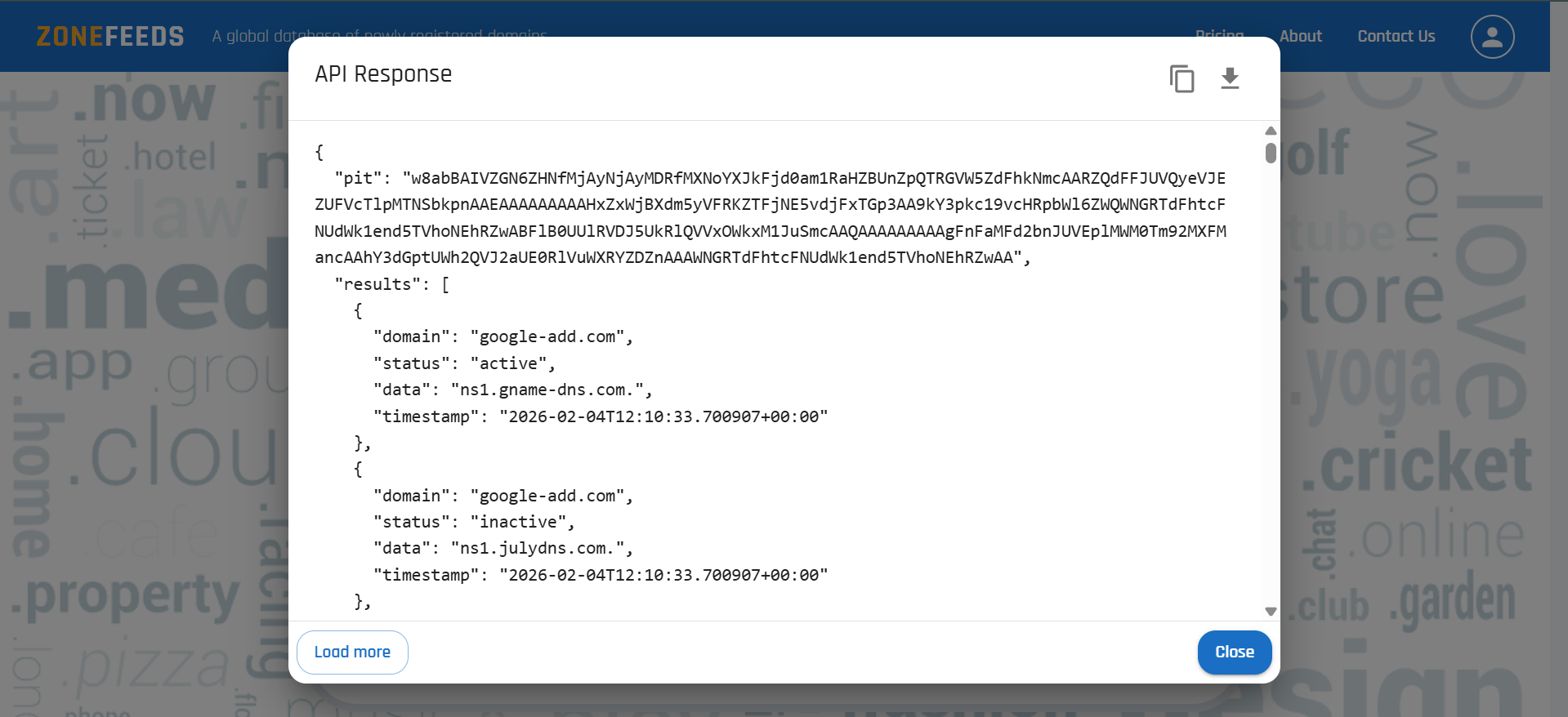
Search results are displayed in structured JSON format and can be:
- Viewed directly in the UI
- Copied
- Downloaded using the download icon in the top right corner
⚠️ Important: UI vs API Download Behavior
- Using the UI: downloaded data is limited to the currently loaded results.
If additional pages exist, users must manually load all results to get the complete dataset by clicking the Load more button. - Using the API: allows retrieval of all matching records in a single request.
Recommended for large datasets, automation, and bulk analysis.
💡 Best Practice:
Use the UI for exploration and quick inspection.
Use the API for complete data extraction and production workflows.
API Response Fields
| Field | Description |
|---|---|
domain |
Fully qualified domain name |
status |
Current state of the domain |
data |
Associated DNS record data |
timestamp |
Time the record was observed |
pit |
Point In Time identifier used for pagination |
next_cursor |
Cursor used to retrieve the next page of results |
Viewing RDAP Details
Each row in the Search Results table is clickable. Clicking a domain name opens the RDAP Dossier — a side panel that enriches the zone-file observation with live registration data fetched from the authoritative registry.
The dossier shows:
- Lifecycle — registration date, expiration date, and days remaining
- Status — current EPP status codes (e.g.
client transfer prohibited) - Registrar — registrar of record, IANA ID, and abuse contact email/phone
- Nameservers — nameservers as recorded at the registry
- Timestamps — when the record last changed and when ZoneFeeds last fetched it
- Raw RDAP — the complete RDAP JSON response, copyable for evidence or SIEM ingestion
The RDAP Dossier is available on Basic and Enterprise plans.
For a full walkthrough of every field and how to use the dossier in incident response and takedown workflows, see RDAP Dossier.