Chat User guide
About This Guide
This comprehensive user guide is designed to help you understand and effectively use InspectChat, a secure enterprise solution for interacting with Large Language Models (LLMs). Whether you're new to AI tools or an experienced user, this guide will walk you through all the features and functionalities of InspectChat in detail.
Getting Started
Before diving into specific features, let's cover the basics of accessing and using InspectChat. This section will help you get up and running quickly.
What is InspectChat?
InspectChat is the user-friendly interface of LLM-Inspect, an enterprise solution that allows you to safely interact with various AI language models. Think of it as a secure version of ChatGPT specifically designed for your organisation's needs. It includes:
- Secure authentication through your company credentials
- Multiple AI model options to choose from
- Built-in safety features to protect sensitive information
- Complete tracking and monitoring capabilities
Understanding InspectChat
InspectChat serves as your gateway to communicating with AI models while ensuring enterprise security. Here's what makes it special:
Key Features
- Unified Access Point: A single platform to access multiple AI models
- Security First: Built-in safeguards to protect sensitive information
- Enterprise Integration: Seamless connection with your organization's systems
- Complete Visibility: Comprehensive tracking of all AI interactions
Accessing InspectChat
Login Process
- Navigate to your organisation's InspectChat URL
- Click on the "Login" button
- Enter your enterprise credentials
- You'll be redirected to the main chat interface
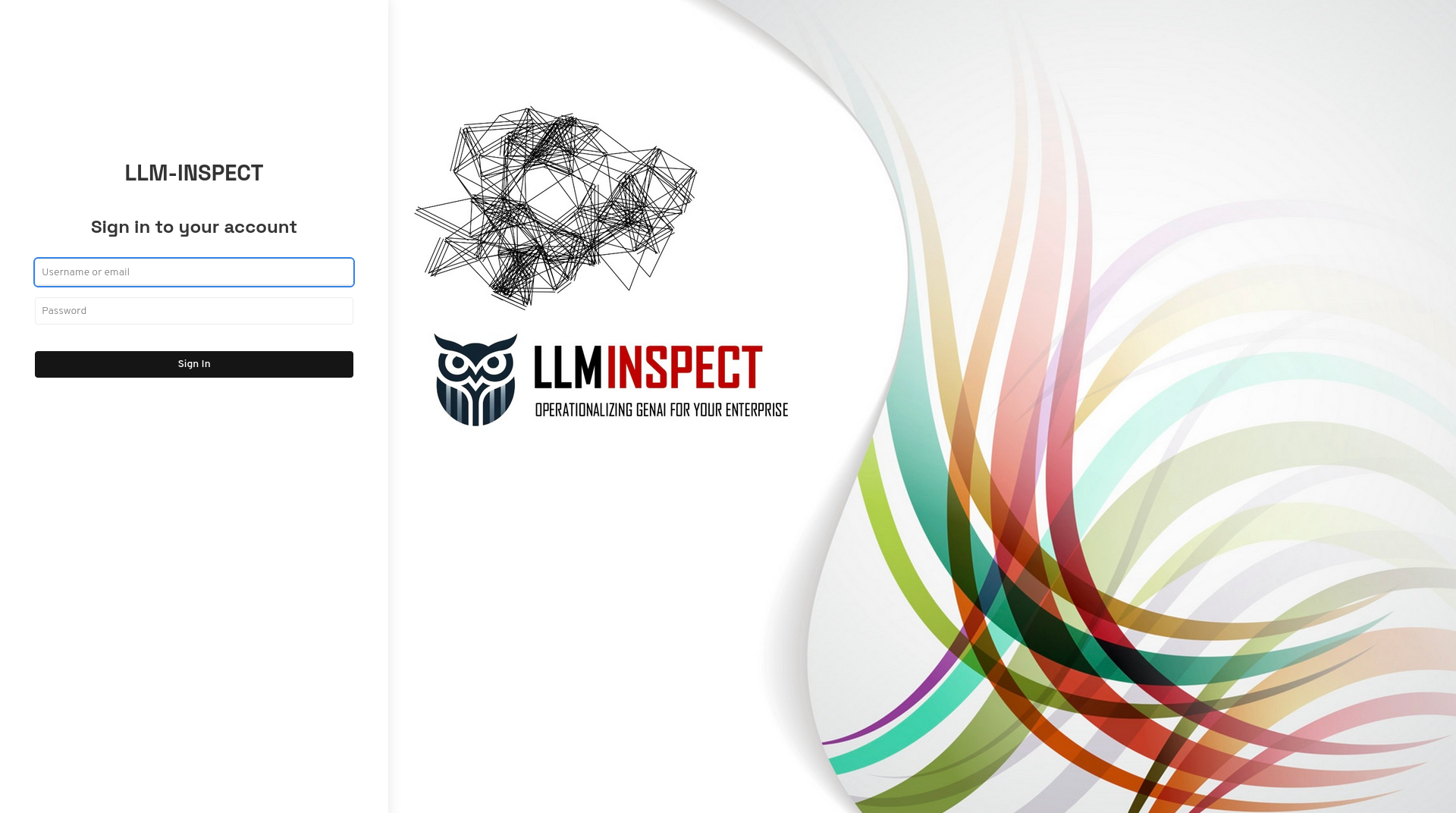 Figure 1: InspectChat Login Interface
If you have not created any users, you can log-in through the default admin user created automatically
Username: admin
Password: llminspect-admin-password
After successful login you will asked to change the password.