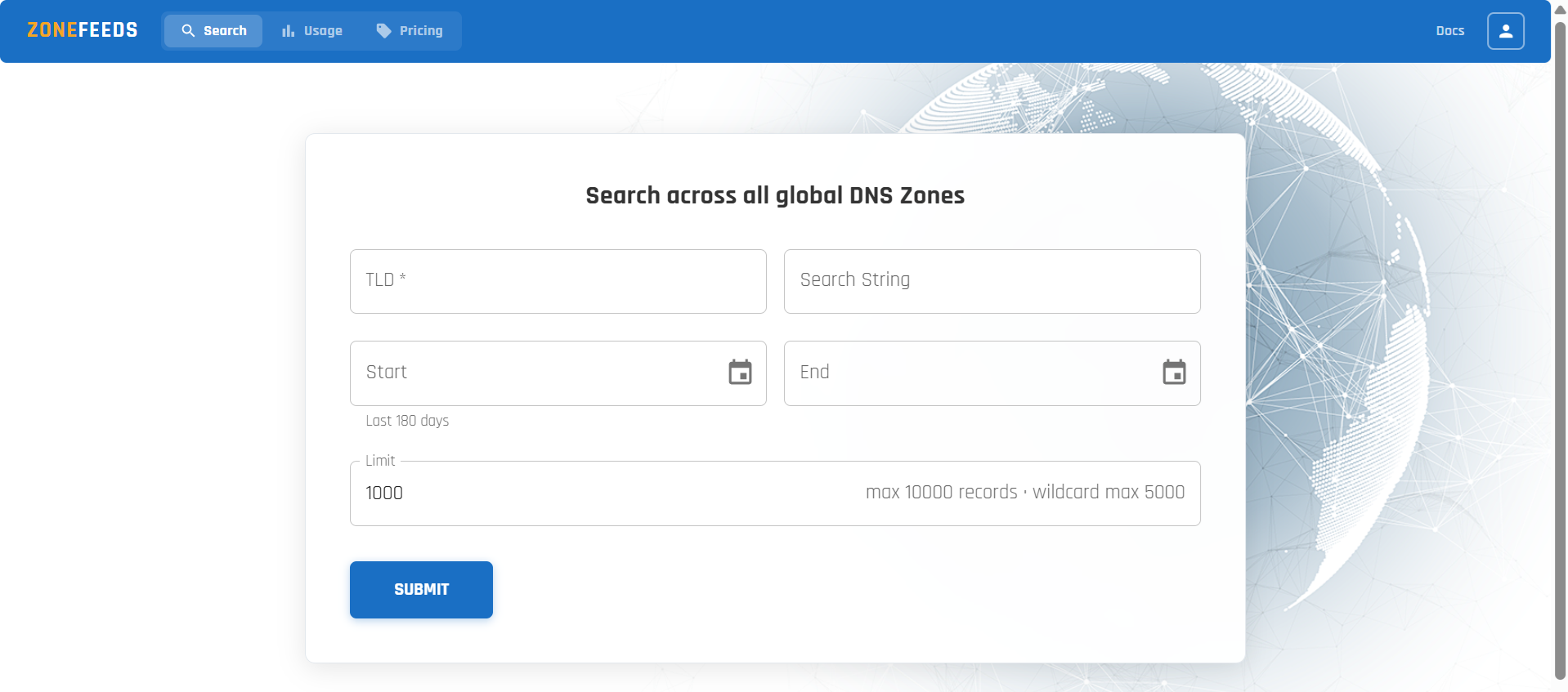
Getting Started with ZoneFeeds
Welcome to ZoneFeeds! This section will guide you through the process of creating your account, getting approved, and receiving your API key. By the end of this guide, you’ll be ready to sign in and start exploring domain data using the platform.
Step 1: Account Registration
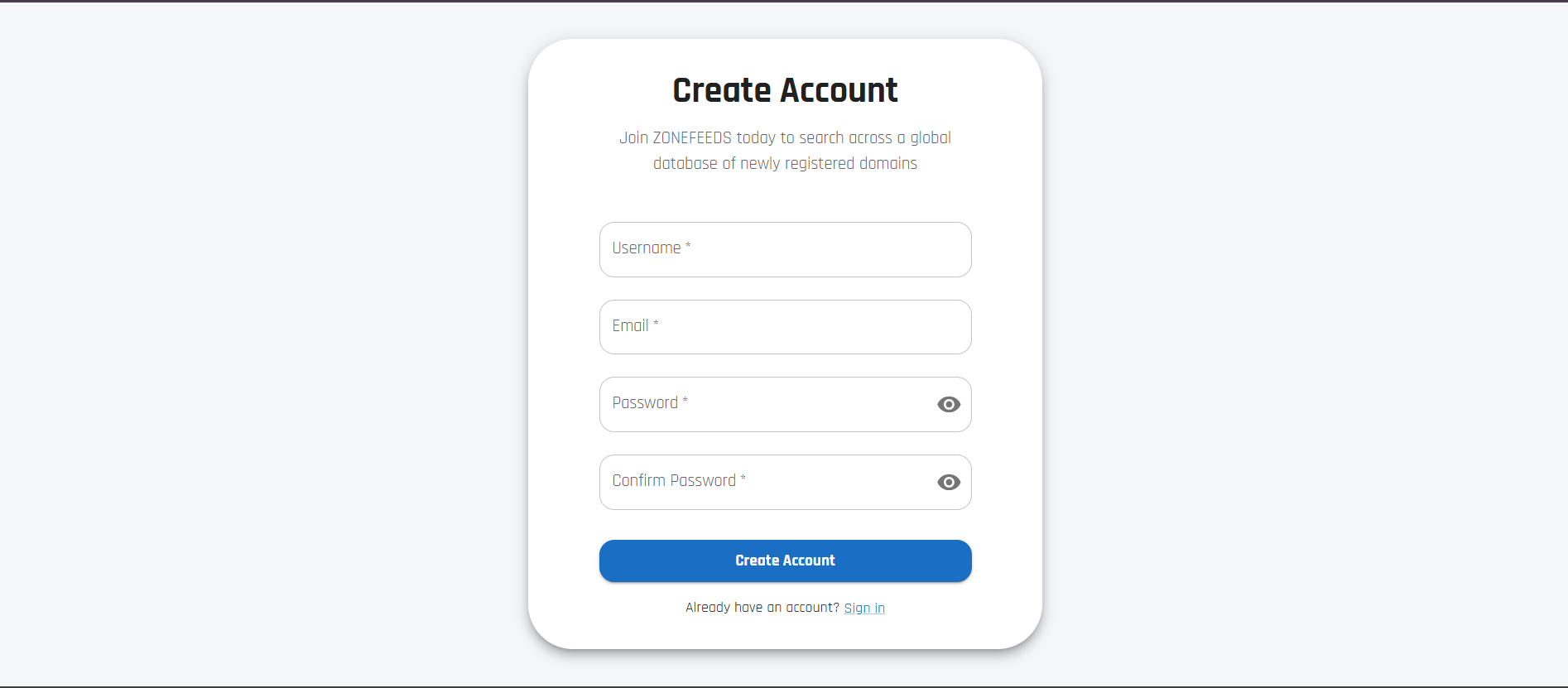
To begin using ZoneFeeds, create a new account by visiting ZoneFeeds registration page.
Registration Requirements
The user must provide:
- A unique and available username of their choice
- A valid email address
- A password that:
- Is at least 8 characters long
- Contains at least one uppercase letter
- Contains at least one lowercase letter
- Contains at least one number
- Password confirmation matching the original password
After entering the required information, click Create Account.
Tip: Use a strong, unique password and store it securely.
What happens next?
After submitting the registration:
- A message will indicate that your account will be created once approved by an administrator.
- You will receive an email confirming your registration.
- Once approved, you will receive a separate email containing your API key.
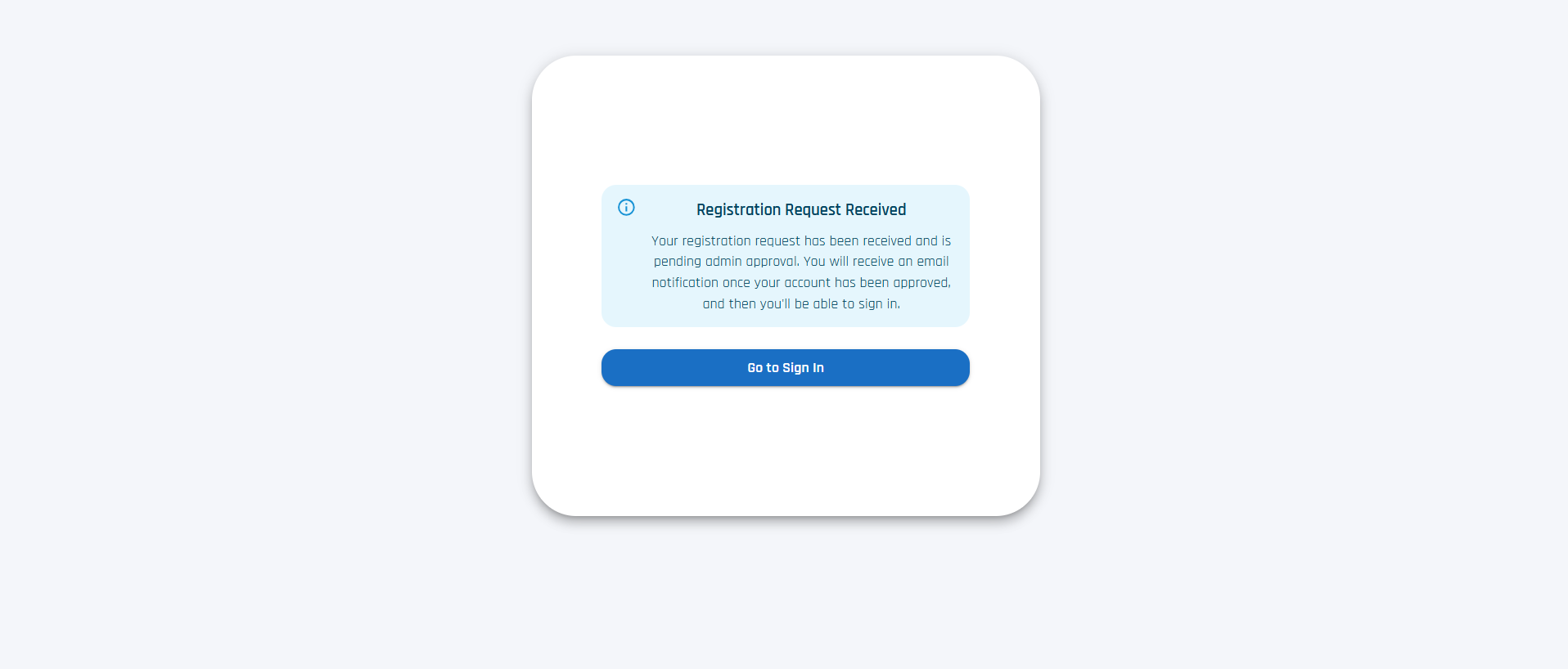
Note: After approval, you can proceed to sign in and start using ZoneFeeds.
Step 3: Sign In
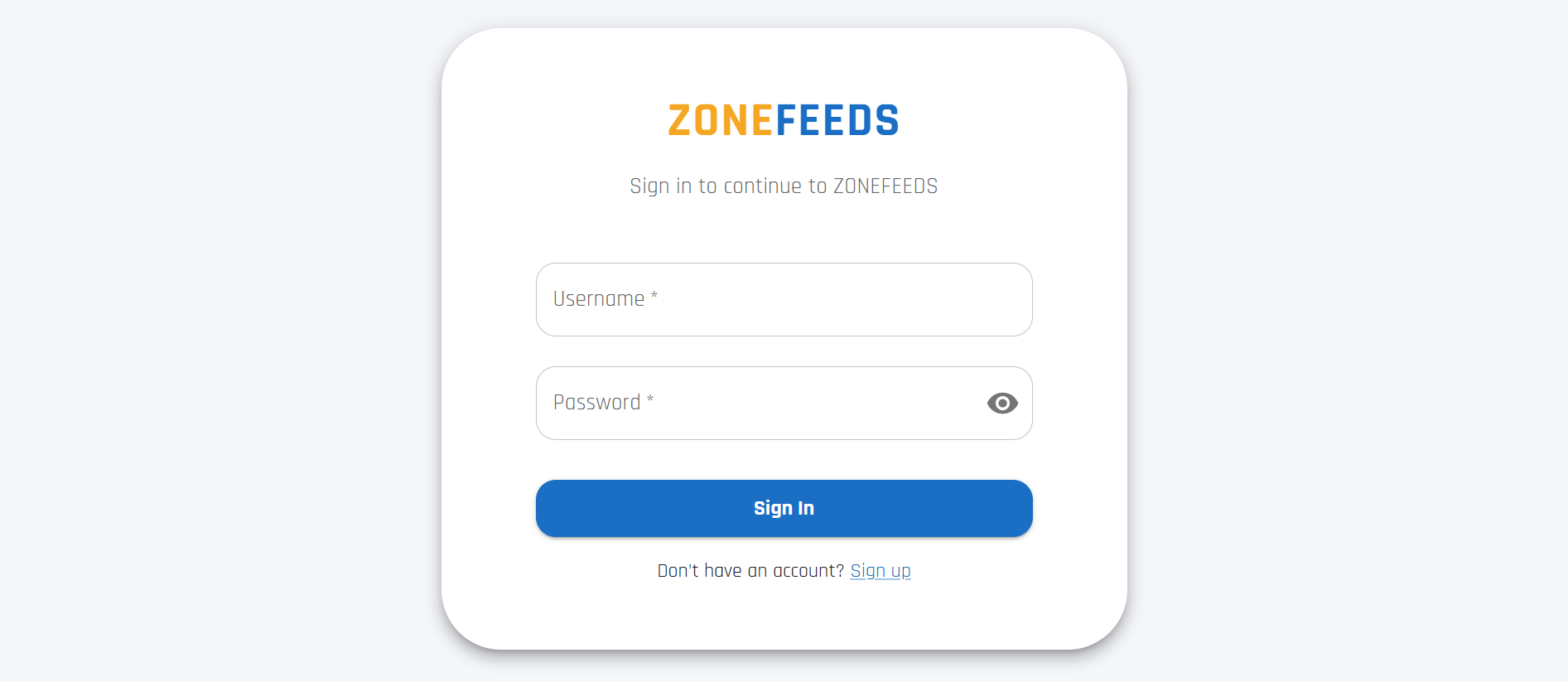
Once the account is approved, the user can sign in using the same username and password used during registration.
Step 4: Performing a Domain Search
After signing in, users can begin querying domain data.