Wildcard Searches in ZoneFeeds
ZoneFeeds supports wildcard searches using the * character. This feature allows you to search domains and TLDs more flexibly, especially when you want to find patterns or partial matches.
Wildcard searches are supported in both the domain and TLD fields. They work in the UI and via API, returning results in the same structured JSON format as regular searches.
How Wildcard Searches Work
The * character acts as a placeholder for zero or more characters.
- Placing
*at the beginning, end, or both sides of a string allows partial matching.
Using Wildcards in Domain Searches
Examples
*google→ Matches all domains ending with "google"-
e.g.,
mygoogle.com,shopgoogle.net -
google*→ Matches all domains starting with "google" -
e.g.,
google.com,googlemail.com -
*google*→ Matches all domains containing "google" anywhere - e.g.,
mygoogle.com,shopgoogle.net,bestgoogleanalytics.org
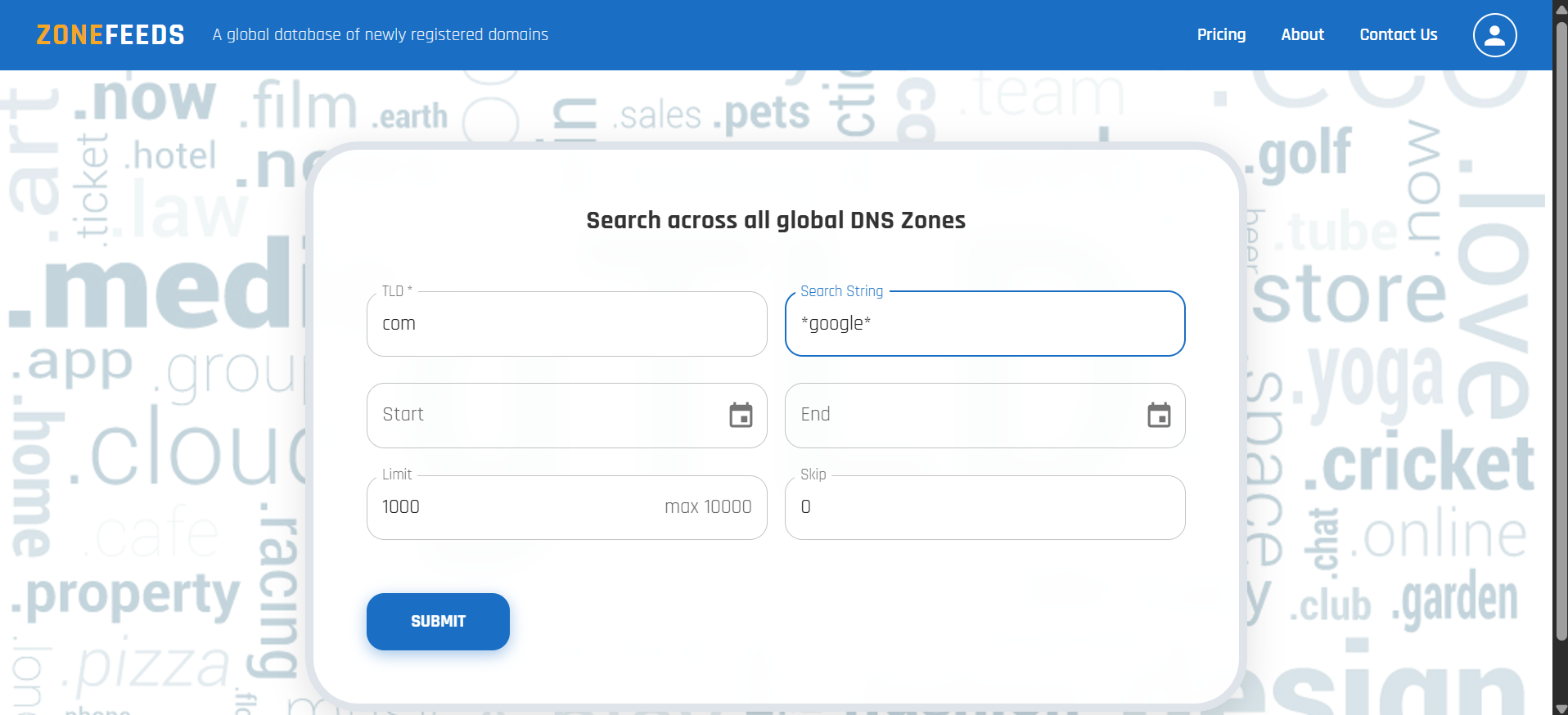
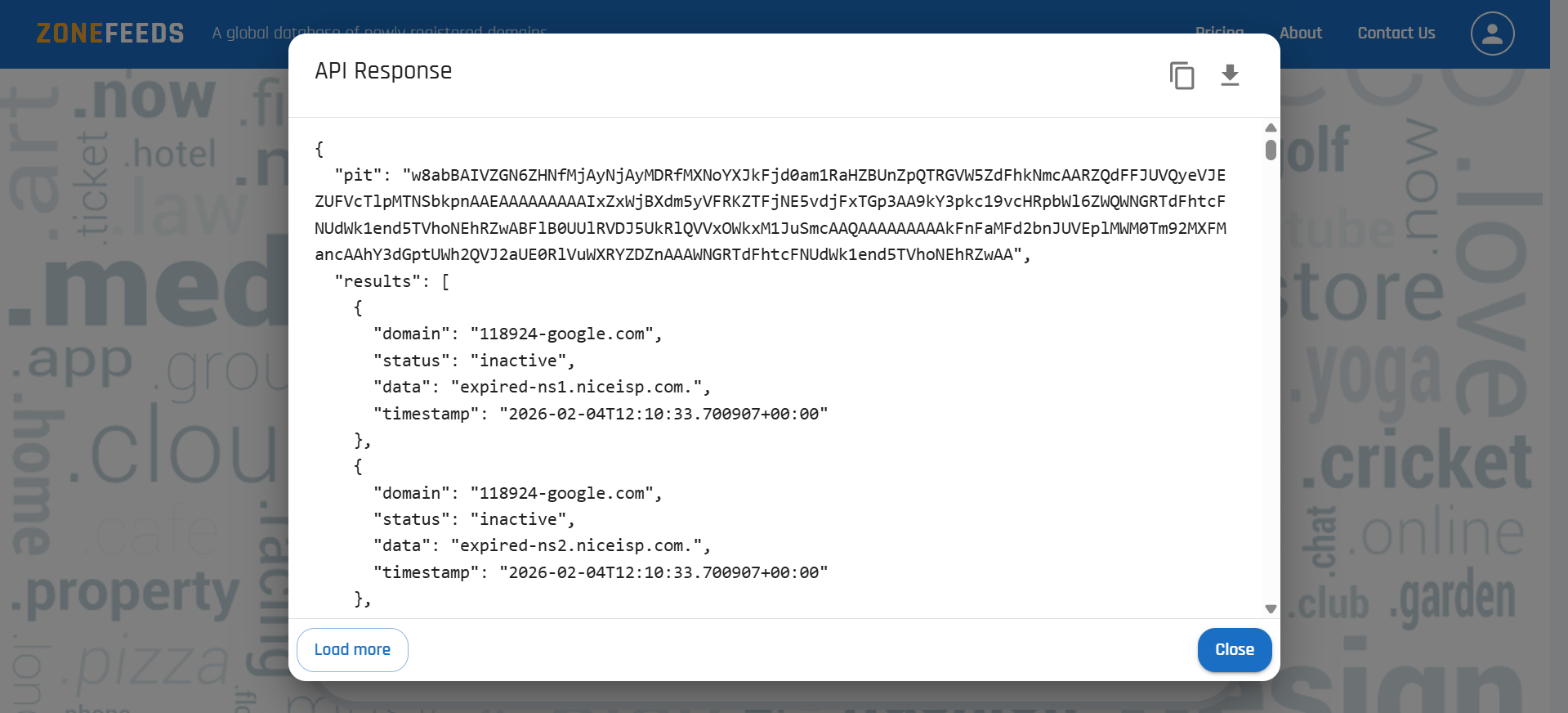
Tip: This is very useful for detecting variations, typosquats, or brand impersonation domains.
Using Wildcards in TLD Searches
*in the TLD field searches across all supported TLDs.- Example:
google.*searches for allgoogledomains in all TLD. - Combined wildcards:
*.com→ all domains ending with.com